Which smart home systems control motorized shades?
Most motorized shades can join a smart home, but the proof is a named driver or listing, not the phrase works with everything. Of the nine platforms we checked, Hunter Douglas PowerView Gen 3 publishes eight on its own page. Lutron, Somfy, Crestron and J Geiger each publish fewer. Ask for the exact integration in writing before you order.
Keypad, app, voice or schedule
There are four ways to move a motorized shade. They are not equal in daily use.
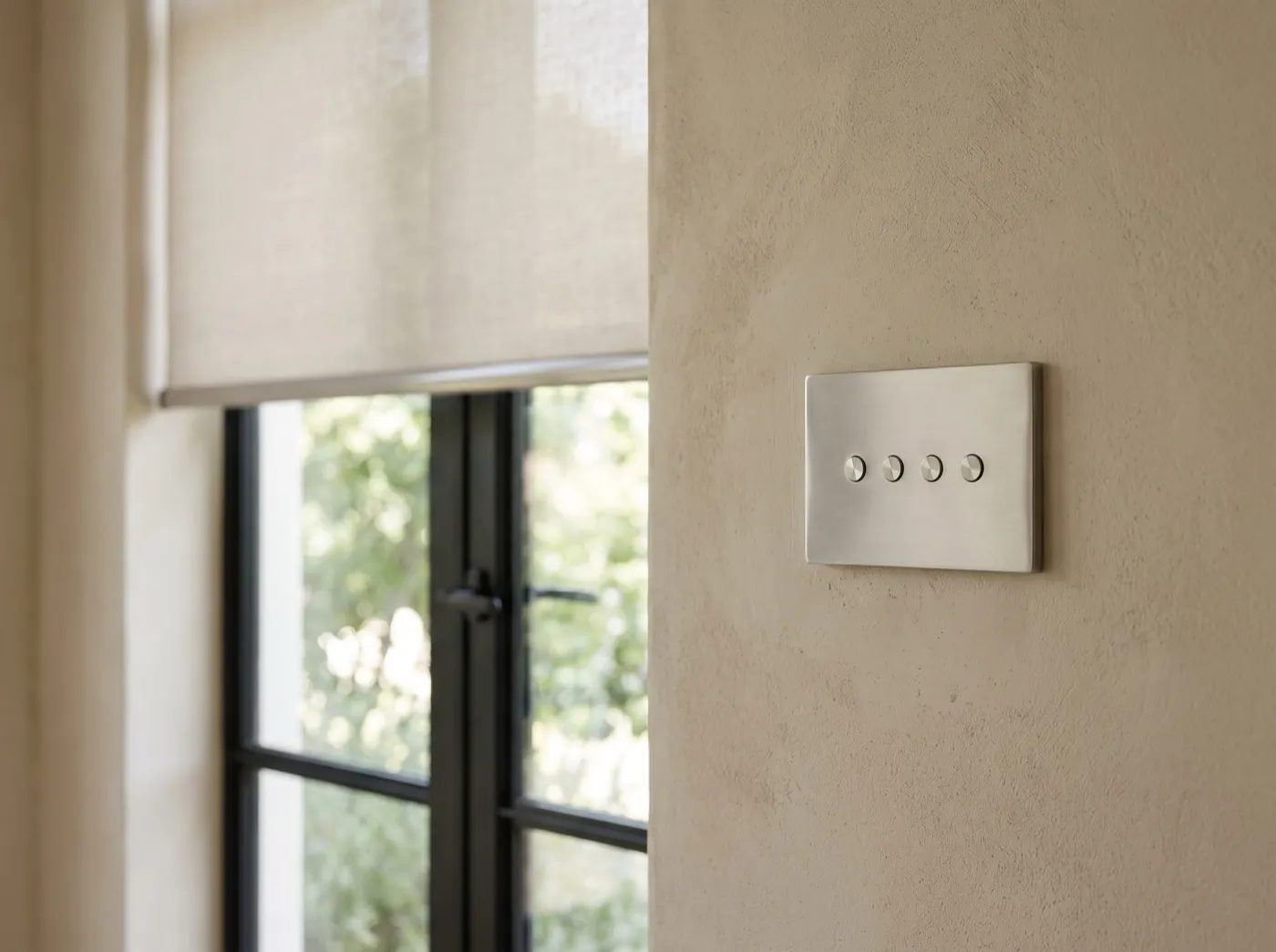
- Keypad. A wall button by the door or the bed. Anyone can use it, guests included, and it needs no phone. In a whole house it does most of the daily work.
- Schedule. Shades move at set times or with the sun. Hunter Douglas says schedules in its PowerView app adjust for Daylight Saving Time on their own. Lutron says its shades can track the sun through the day when paired with its HomeWorks or RadioRA 3 systems.
- Phone app. Good for setup, scenes and checking the house from away. Slower than a button for everyday use.
- Voice. Works through Alexa, Google or Siri, usually by way of the maker's hub. Lutron's Serena FAQ, for example, says Siri control needs a Lutron hub in the house.
The control page shows how these are laid out in a house.
What each shade maker publishes as compatible
We read each maker's own pages on November 18, 2026. Yes means the platform is named on the shade maker's page. Listed means it appears only on Josh.ai's device list. Guide means only an independent integrator guide states it. Not published means the pages we read do not name it; a dealer may still have a working driver, so ask. The tables describe what makers publish about their own products. They are not a list of what we sell.
Phone apps and voice assistants
| Shade maker | Apple Home | Alexa | Google Home | Matter |
|---|---|---|---|---|
| Lutron | Yes (Serena, with a Lutron hub) | Yes | Yes | not published |
| Hunter Douglas PowerView Gen 3 | Yes, through Matter | Yes | Yes | Yes |
| Somfy | not published | Yes | Yes | not published |
| Crestron | not published | not published | not published | not published |
| J Geiger | not published | not published | Yes | not published |
| Screen Innovations | not published | Yes | Yes | not published |
| The Shade Store | Yes | Yes | Yes | not published |
| Coulisse Motionblinds | Yes | Yes | Yes | Yes, built into the motor |
Whole-house control systems
| Shade maker | Lutron | Control4 | Crestron | Savant | Josh.ai |
|---|---|---|---|---|---|
| Lutron | Native (HomeWorks, RadioRA 3, Caséta) | Guide | not published | not published | Listed |
| Hunter Douglas PowerView Gen 3 | not published | Yes, certified driver | Yes | Yes | Yes |
| Somfy | not published | Yes | Yes | Yes | Listed |
| Crestron | not published | not published | Native | not published | Listed |
| J Geiger | Yes | Yes, free driver | Yes, free module | Yes | Listed |
| Screen Innovations | not published | Yes | Yes | not published | Listed |
| The Shade Store | not published | Yes | Yes | Yes | not published |
| Coulisse Motionblinds | not published | not published | not published | not published | Listed |
See also Lutron vs Hunter Douglas vs Somfy.
What Matter does and does not change
Matter is a shared standard that lets devices from different brands join the same app. Hunter Douglas uses it to bring PowerView Gen 3 into Apple Home. Coulisse builds Matter and Thread into its Motionblinds motors. On the Lutron, Somfy and Crestron pages we read, Matter is not named.
Matter covers the phone and voice platforms. The whole-house systems that integrators install (Control4, Crestron, Savant, Josh.ai) still depend on a driver written for each shade brand. In a house with one of those systems, the driver is the question, not Matter.
Hubs, gateways and drivers in plain terms
Most shades reach other systems through a small box. Lutron says connecting Serena shades to other products takes its app and hub. Hunter Douglas uses a PowerView gateway, and says Josh.ai finds Gen 3 gateways on its own. J Geiger connects to Crestron through its own gateway.
A driver is the software an integrator loads so the house system can talk to the shades. Ask who wrote it. Hunter Douglas describes its Control4 driver as certified, and J Geiger offers free drivers for Control4 and Crestron. Ask also whether control is two-way. One integrator guide notes that Somfy's RTS radio is one-way: the motor takes commands but cannot report its position back.
Power is a separate decision from control. A hardwired or wire-free shade can sit on the same keypad. In a new build, keypad locations and wire runs are set at pre-wire.
What to ask before you buy
- Which system and version is in the house: for example RadioRA 3 or Caséta, PowerView Gen 3 or an earlier generation.
- Whether the shade maker publishes or certifies a driver for that system. Ask for the page.
- Whether control is two-way, so the keypad and app show where each shade is.
- Which hub or gateway is needed, where it sits, and who programs it.
- What programming costs. In our range the hub, the app, voice setup and programming are included; a wall keypad is $295.
- Whether the wall keypads still work when the internet is down.
Mode Shades offers control by keypad, phone, voice or schedule. Name the system already in the house when you send plans or photos to get a price.
Questions owners ask
Can these integrate with my existing smart home setup?
Usually, if the shade maker or your system publishes a driver for that exact pair. Ask the seller for the page that names it.
Can I operate motorized window treatments with my voice?
Yes on most brands, through Alexa, Google or Siri. It normally needs the maker's hub or gateway.
Can I program my motorized shades to operate automatically at certain times?
Yes. Schedules are a standard part of the makers' apps and of whole-house systems. Hunter Douglas says its schedules adjust for Daylight Saving Time automatically.
What's the difference between Lutron RadioRA 3 and Caséta?
Lutron describes Caséta as its easiest way to get started and RadioRA 3 as pro-installed, wireless whole-home control. HomeWorks sits above both. Lutron lists its Palladiom wire-free shades as compatible with all three.
How do motorized shades integrate with smart home systems?
Through a hub or gateway from the shade maker, plus a driver on the house system. Phone and voice platforms can also connect through Matter where the shade supports it.